Robot Simulation with Gazebo
Why Simulation?
Building a humanoid robot costs thousands of dollars. Crashing it costs even more. Gazebo lets us crash the robot a million times for free.
What is Gazebo?
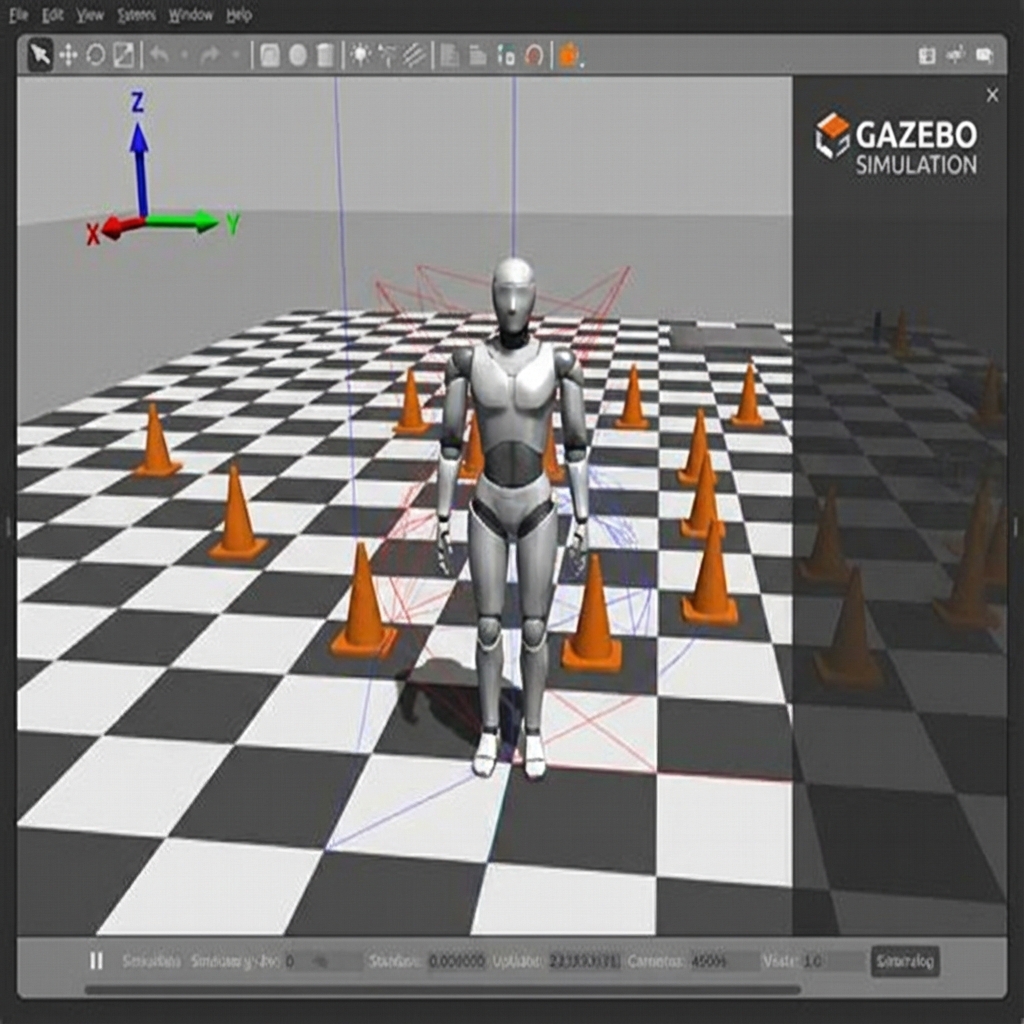
Gazebo is a physics simulator designed for robotics. It calculates:
- Rigid Body Dynamics: How masses move and rotate.
- Collision Detection: What hits what.
- Friction & Contact: How feet interact with the floor.
- Sensors: What the camera sees (rendering) and what the laser scans (ray casting).
We use the newer Gazebo Harmonic/Garden (formerly Ignition Gazebo), not the old Gazebo Classic (version 9/11).
Spawning Your Robot
To bring your URDF into Gazebo, you need to wrap it in an SDF (Simulation Description Format) or use a plugin that converts URDF to SDF on the fly.
The gz_ros2_control Plugin
ROS 2 needs a driver to talk to motors. real motors use hardware drivers. Gazebo motors use ros_control.
You must add this to your URDF:
<ros2_control name="GazeboSystem" type="system">
  <hardware>
    <plugin>gazebo_ros2_control/GazeboSystem</plugin>
  </hardware>
  <joint name="knee_joint">
    <command_interface name="position"/>
    <state_interface name="position"/>
    <state_interface name="velocity"/>
  </joint>
</ros2_control>

<gazebo>
  <plugin filename="libgazebo_ros2_control.so" name="gazebo_ros2_control">
    <parameters>$(find my_robot)/config/controllers.yaml</parameters>
  </plugin>
</gazebo>
Physics Engines
Gazebo supports multiple physics engines.
- Dart: Good for accurate articulated dynamics (chains of joints). Default in newer Gazebo.
- ODE (Open Dynamics Engine): Older, stable, standard in Gazebo Classic.
- Bullet: Good general-purpose physics.
For humanoids, stability is key. If the time step is too large, the simulation "explodes".
- Time Step: Usually 1ms (1000 Hz).
- Real Time Factor: If your computer is slow, the simulation slows down (0.5x speed) to maintain physics accuracy.
Building Worlds
You can build environments (Worlds) using the Building Editor or by writing SDF files.
<world name="default">
  <physics name="1ms" type="ignored">
    <max_step_size>0.001</max_step_size>
    <real_time_factor>1.0</real_time_factor>
  </physics>

  <include>
    <uri>https://fuel.gazebosim.org/1.0/OpenRobotics/models/Sun</uri>
  </include>

  <include>
    <uri>https://fuel.gazebosim.org/1.0/OpenRobotics/models/Ground Plane</uri>
  </include>
</world>
Simulating Sensors
IMU (Inertial Measurement Unit)
Crucial for balance. It tells the robot "Down is that way".
<sensor name="imu_sensor" type="imu">
  <always_on>1</always_on>
  <update_rate>100</update_rate>
  <topic>imu</topic>
</sensor>
LiDAR & Cameras
Gazebo renders the scene from the camera's perspective and publishes the image to a ROS topic (/camera/image_raw). You can verify this using rqt_image_view.
Troubleshooting Simulation
- Robot falls through floor: Check collision mesh of the feet and ground plane.
- Robot vibrates/jitters: Reduce physics time step, increase solver iterations, or check inertia values (too light/small inertia often causes jitter).
- Slipping: Check friction coefficients (
mu1,mu2) on the feet interactions.
In the next section, we look at Unity, which offers better graphics for demonstrating our robot to the public.