ROS 2 Fundamentals: The Robotic Nervous System
What is ROS 2?
ROS 2 (Robot Operating System 2) is not an operating system in the traditional sense (like Windows or Linux). It is a middleware—a set of software libraries and tools that help you build robot applications. Think of it as the "nervous system" of the robot.
graph LR
    P[Publisher Node] -- Topic: /camera/image --> S[Subscriber Node]
    C[Service Client] -. Request .-> R[Service Server]
    R -. Response .-> C
In a human body, the brain doesn't directly pull on muscle fibers. It sends signals through nerves. Similarly, in a robot, your high-level AI algorithms (the brain) need a standard way to communicate with motors, sensors, and other processes. ROS 2 provides this communication infrastructure.
Core Concepts
Understanding ROS 2 requires grasping a unique vocabulary.
1. The Graph
ROS 2 is a distributed system of processes (Nodes) that communicate over a network (The Graph). These nodes can be on the same computer or distributed across multiple computers (e.g., one on the robot, one on a laptop).
2. Nodes
A Node is a single executable that performs a specific task.
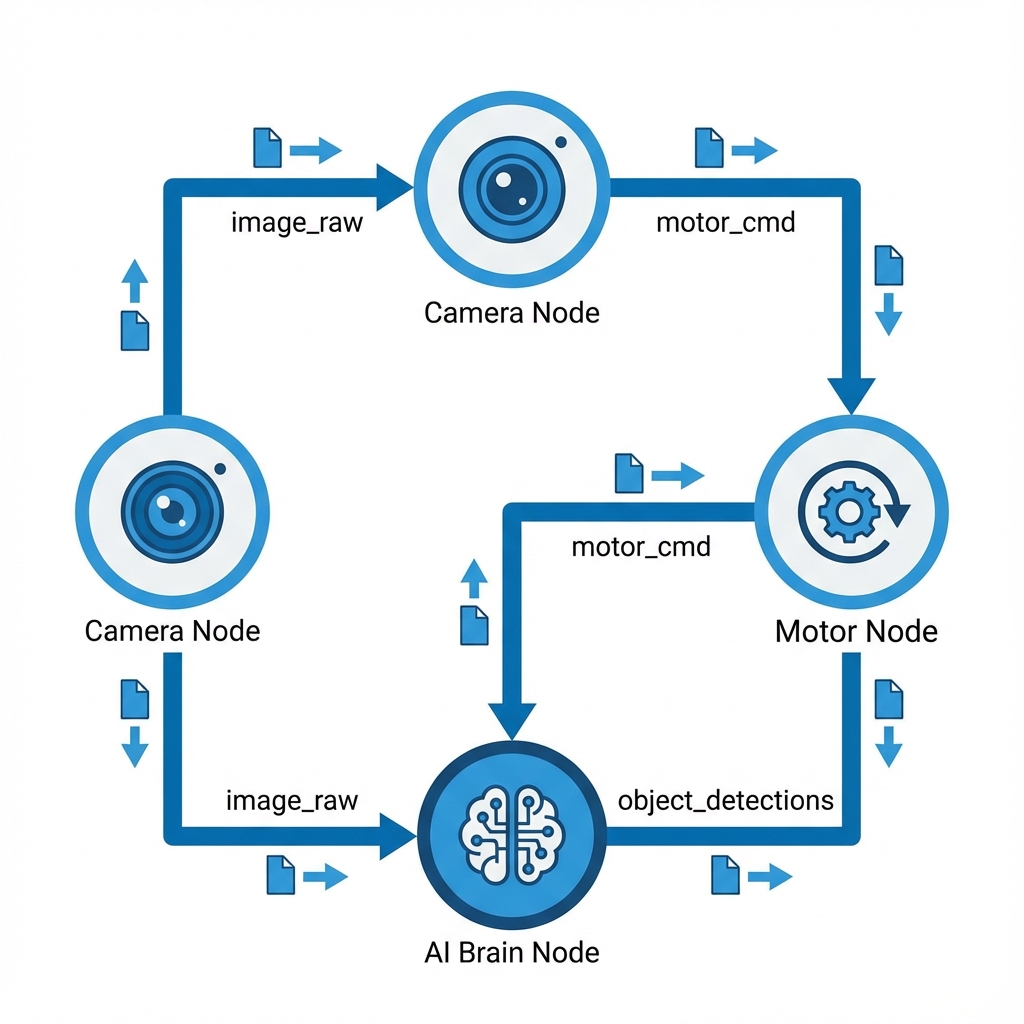
- Example: One node controls the camera driver. Another node processes the image to find faces. A third node controls the neck motors to look at the face.
- Design Principle: Modular single-purpose nodes are better than one giant monolithic program. If the "face detection" node crashes, the "motor control" node keeps running.
3. Topics (Publish/Subscribe)
Topics are the primary way nodes talk to each other. They use a Publish-Subscribe model.
- Publisher: A node that sends out data (e.g., "Camera Node" publishes images).
- Subscriber: A node that listens for data (e.g., "Face Detector Node" subscribes to images).
- Analogy: It's like a radio broadcast. The DJ (Publisher) broadcasts music on a frequency (Topic). Anyone tuning in (Subscribers) can hear it. The DJ doesn't know who is listening.
4. Services (Request/Response)
Sometimes you need a direct conversation, not a broadcast. Services are for synchronous, two-way communication.
- Client: Asks for something.
- Server: Does the work and sends a reply.
- Analogy: Ordering a pizza. You (Client) call the shop (Server) and place an order (Request). You wait heavily until they confirm (Response).
5. Actions
Actions are for long-running tasks where you want feedback.
- Topic: "The robot is at x=5, y=5" (Continuous stream).
- Service: "Is the door open?" -> "Yes" (Quick check).
- Action: "Go to the kitchen" (Takes time, might fail, needs progress updates).
- Feedback: "I am 10% there... 50% there..."
- Result: "I arrived." or "I am stuck."
ROS 2 vs ROS 1
Why ROS 2?
- DDS (Data Distribution Service): ROS 2 is built on top of industrial-grade real-time communication standards.
- Real-Time: Better support for real-time systems (critical for balancing a humanoid).
- Security: ROS 2 supports SROS2 for encryption and authentication.
- No Master Node: ROS 1 relied on a central "Master". If it died, everything died. ROS 2 is fully distributed/decentralized.
Installation and Setup
We will be using ROS 2 Humble Hawksbill (LTS) on Ubuntu 22.04.
# Set locale
locale  # check for UTF-8

# Setup Sources
sudo apt install software-properties-common
sudo add-apt-repository universe

# Add ROS 2 GPG key with apt.
sudo apt update && sudo apt install curl -y
sudo curl -sSL https://raw.githubusercontent.com/ros/rosdistro/master/ros.key -o /usr/share/keyrings/ros-archive-keyring.gpg

# Install ROS 2 Base
sudo apt install ros-humble-ros-base
Your First ROS 2 Interaction
Let's test the installation strictly from the terminal.
Terminal 1 (The Talker):
source /opt/ros/humble/setup.bash
ros2 run demo_nodes_cpp talker
Terminal 2 (The Listener):
source /opt/ros/humble/setup.bash
ros2 run demo_nodes_py listener
You should see messages flowing from the C++ node to the Python node! This proves the language-agnostic nature of ROS 2.